
Training that actually happens.
Every completion tracked.
Every deadline met.

Aspire360 gives you one place to add users, assign training, track completions and prove it’s happening — without needing a dedicated L&D team to make it work.

Most organisations know training should be happening.

They just can't prove it.

When training is scattered and tracking is manual, the gaps only become visible at the worst possible moment. Aspire360 gives you one place to manage all of it — so you always know where your team stands.

Aspire360 orange page icon

Training records spread across too many places

Aspire360 orange envelope or mail icon

Too much time spent following up on completions

Aspire360 - Orange square user icon

Inconsistent onboarding from one new starter to the next

Aspire360 orange alert or information icon

No early warning when mandatory training falls behind

Aspire360 orange calendar date icon

Audit time arriving before the evidence is ready
Everything you need to run training.

Nothing you don't.

USER MANAGEMENT

Add your whole team in minutes. Organise them the way you work.

Add people individually or import your whole team at once. Organise them into groups that reflect your departments, locations or roles — and assign the right training to the right group with a few clicks. When someone joins or leaves, updates take minutes.

Mouse icon clicking on orange button with "Add User" text

COURSE ASSIGNMENT

Send the right training to the right people — without writing a single email.

Assign individual courses, full learning pathways or pathway packs to individuals or groups. Set deadlines, and Aspire360 takes care of the reminders — automatically, on your behalf. No chasing. No email threads.

Orange button that says "assign course" being clicked by a cursor

COMPLETION TRACKING

See exactly who has completed what. Right now.

Completion rates, assessment scores, time spent learning — all updated in real time, across your whole team. No waiting for reports. No guesswork. The dashboard tells you where your team stands the moment you open it.

Mouse icon clicking on orange button with "Track Completions" text opening up Aspire360 dashboard

COMPLIANCE REPORTING

Audit evidence ready. One report. One click.

Every completion is logged, timestamped and stored. When you need to demonstrate compliance — to an inspector, an auditor or your board — the evidence is there. One report, one click, ready to share. No scrambling, no spreadsheets.

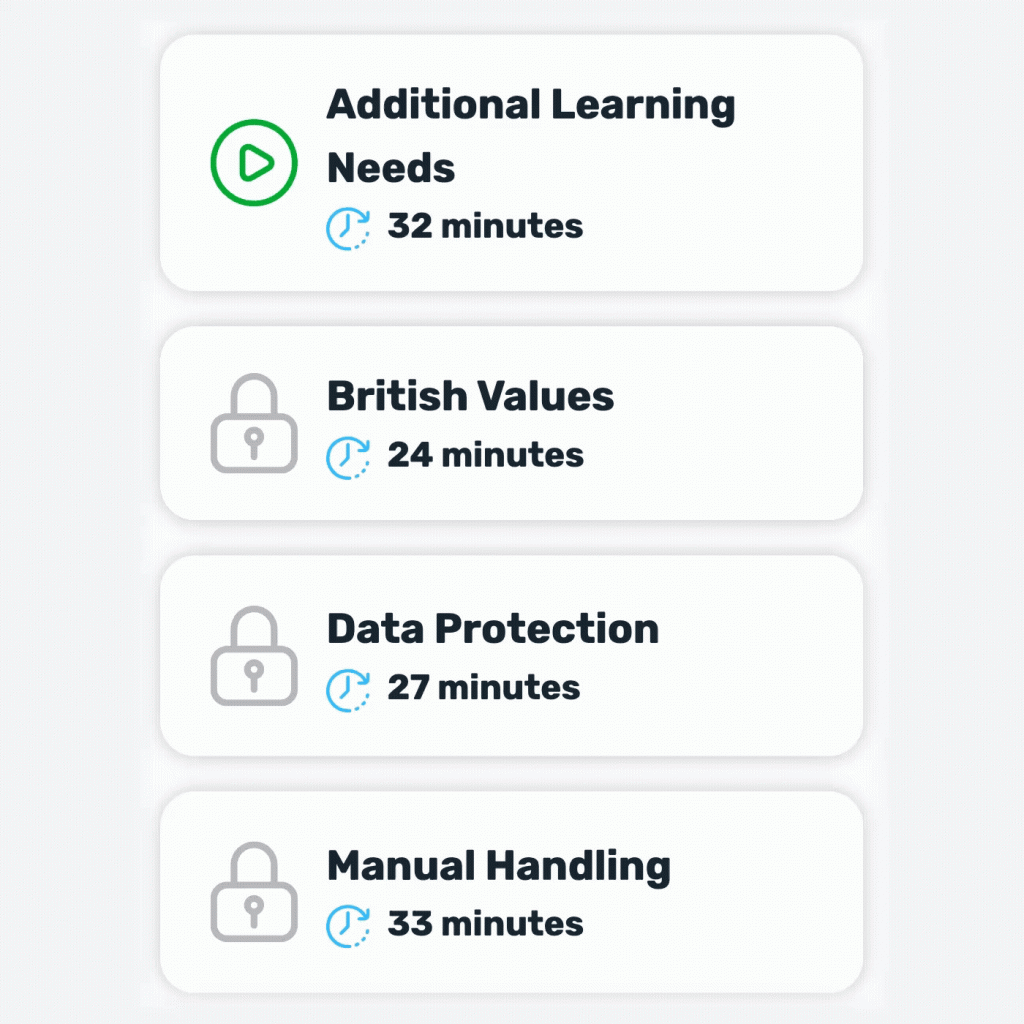
A list of compliance courses being checked off one-by-one

DIGITAL CERTIFICATES

Certificates issued automatically. Downloadable, branded, timestamped.

Learners receive a certificate automatically when they complete a course or pathway. Certificates are downloadable, branded and timestamped. They can be stored in the platform, downloaded by the learner, or pulled into a compliance report.

Mouse icon clicking on orange button with "Download Certificate" text opening up Aspire360 certificate of achievement

SCHEDULED REPORTS

Reports in your inbox. On your schedule. Without logging in.

Set up automated reports and they arrive on your schedule — weekly, monthly, or before a board meeting. Choose who receives them. No logging in, no manual exports, no chasing your team for updates.

Total Users and Courses Completed graphs
Laptop screen showing a range of course icons from Aspire360

Bring your own content.

Track it alongside everything else.

If your team already has training videos, PDFs, presentations or SCORM-compatible courses, you don’t have to start again. Upload what you have into Aspire360 and it sits alongside the ready-made course library — tracked in exactly the same way, in exactly the same dashboard.

Your existing training investment is protected. And when you’re ready to build something new, the course builder is there.

One platform.
A clear answer for everyone who needs one.

HR MANAGER

Stop chasing completions. Let the platform do it.

Aspire360 handles the reminders, the tracking and the reporting on your behalf. Assign training once, set a deadline, and the platform chases it for you. You see what’s done and what isn’t — without asking anyone.

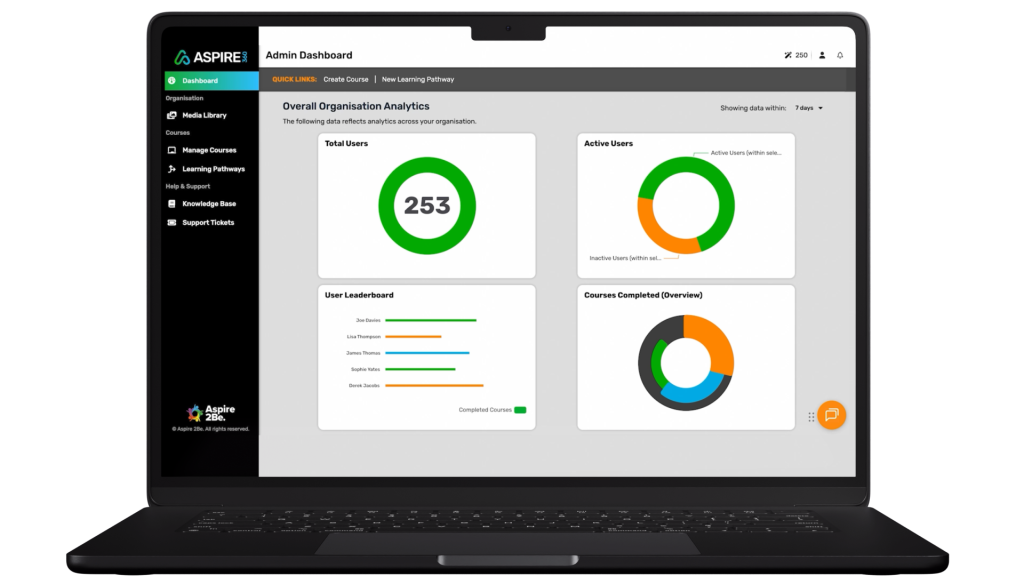
Open laptop screen showing the Aspire360 reporting dashboard

L&D MANAGER

Your courses, your pathways, your standards — all in one place.

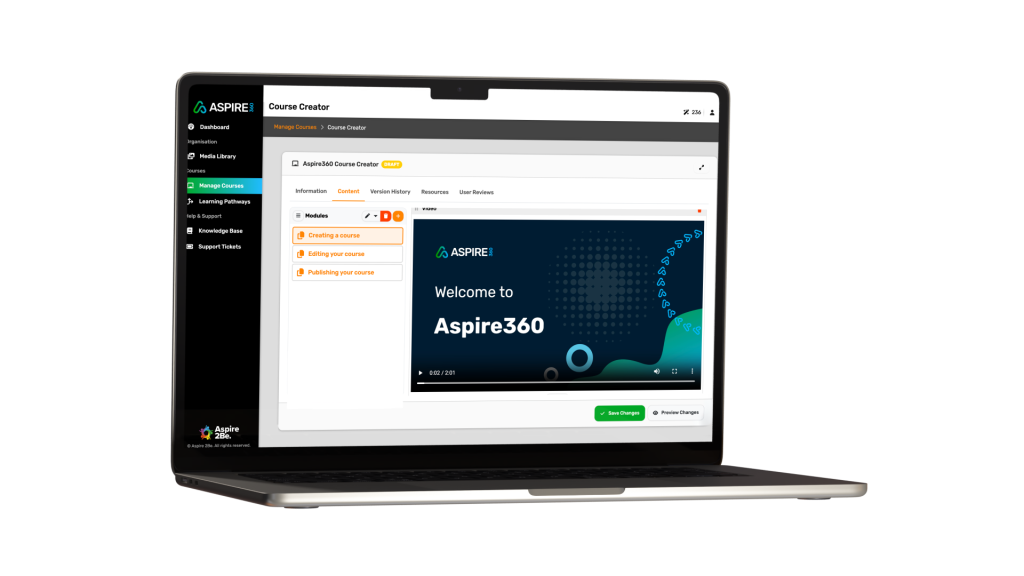
Use the ready-made course library as your foundation, add your own content on top, and manage everything from one admin dashboard. Upload SCORM content, build new courses with the course builder, or assign from the catalogue. Everything tracked the same way.

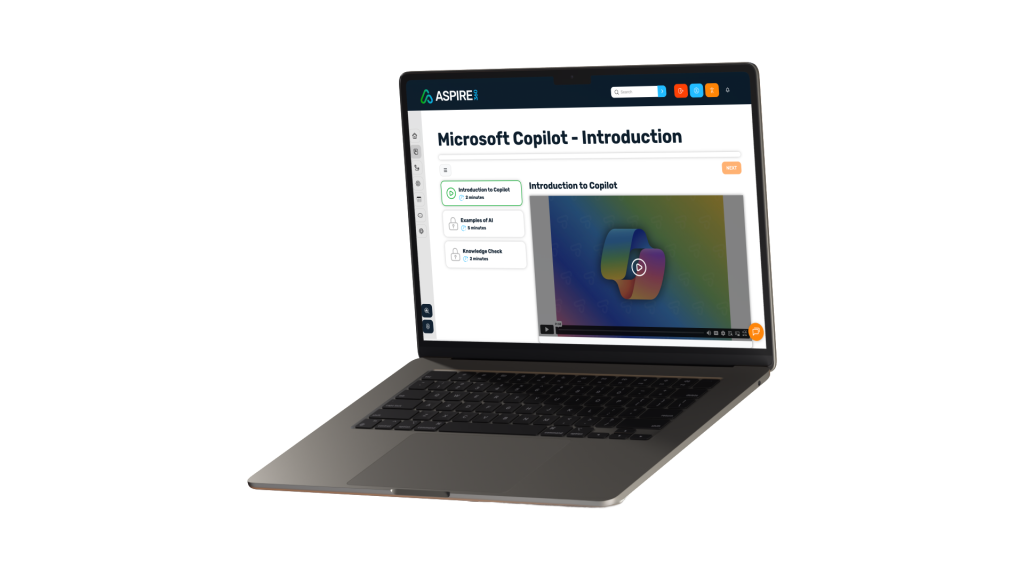
Open laptop screen showing the Aspire360 learning content

SENIOR LEADERSHIP

Every member of staff. Every mandatory course. One dashboard.

Audit evidence ready at the click of a button — without waiting for someone to compile a report. Compliance status across your whole organisation, visible in real time. If an inspector walks through the door tomorrow, you’re ready.

Open laptop screen showing the Aspire360 learning content

Up and running today.

Not next quarter.

Free setup is included on every Aspire360 plan. We handle the initial configuration — your branding, your user import, and your first course assignments. Most teams are live within a day. Your dedicated onboarding contact stays with you through the first weeks to make sure everything is working the way you need it to.

Aspire360 two green ticks icon

Free setup — we configure it for you

Branding, user import, first course assignments. Done before you start your trial. Every time, on every plan.

Aspire360 blue user or person icon

Dedicated onboarding contact

A named person who knows your setup. With you through the first weeks, not just the first day.

Aspire360 orange envelope or mail icon

Ongoing support by email

No support tiers. No extra charges. Help when you need it, from setup questions to day-to-day admin.

Ready to know exactly where your team stands?

Start a free trial and see the dashboard for yourself — or talk to us about the right plan for your team.